Underwater
Chasing M2S Underwater Drone Advanced Set
Original price was: $5,999.00.$4,499.25Current price is: $4,499.25.
ViewIn stock
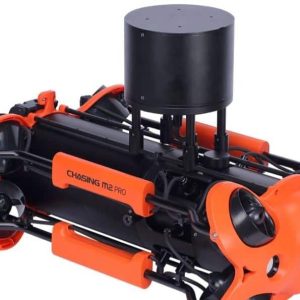
CHASING auxiliary camera is specially designed for use with CHASING M2 PRO ROV. It can be used with a docking station to provide users with a second angle to observe, take pictures, and capture videos.
The Chasing auxiliary camera adds a second live view to your CHASING M2 PRO ROV, so you can watch and record two angles on every dive. It suits inspectors, researchers and aquaculture teams who need more coverage without extra dives. It works with the docking station, and you can order it online today.
A single forward camera shows only what’s in front of the ROV. Hull inspections, net checks and pylon surveys often need to see below, behind or alongside the vehicle at the same time. A second camera fills that gap and cuts down on repositioning.
Both cameras send images back simultaneously, with dual-screen viewing, so the pilot can steer with the main view while a colleague watches the second feed. You can take photos and record video from either angle.
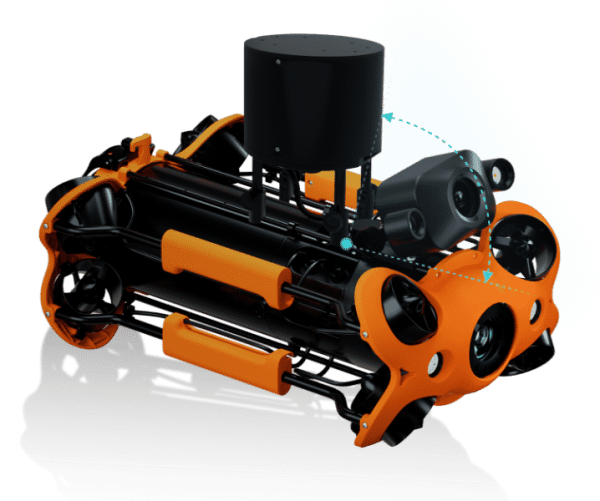
CHASING auxiliary camera is specially designed for use with CHASING M2 PRO ROV. It can be used with a docking station to provide users with a second angle to observe, take pictures, and capture videos.
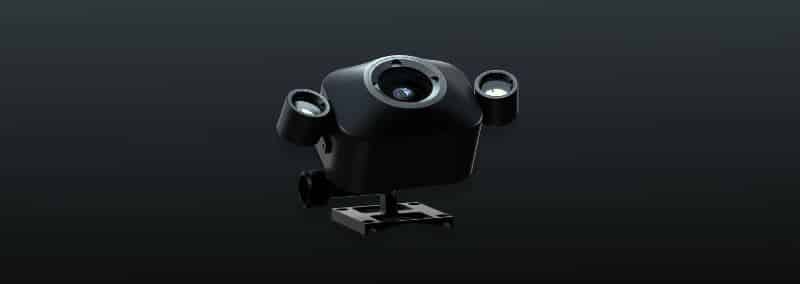
CHASING auxiliary camera and the ROV’s camera can simultaneously return underwater images, giving users two angles to observe, take pictures, and capture videos.
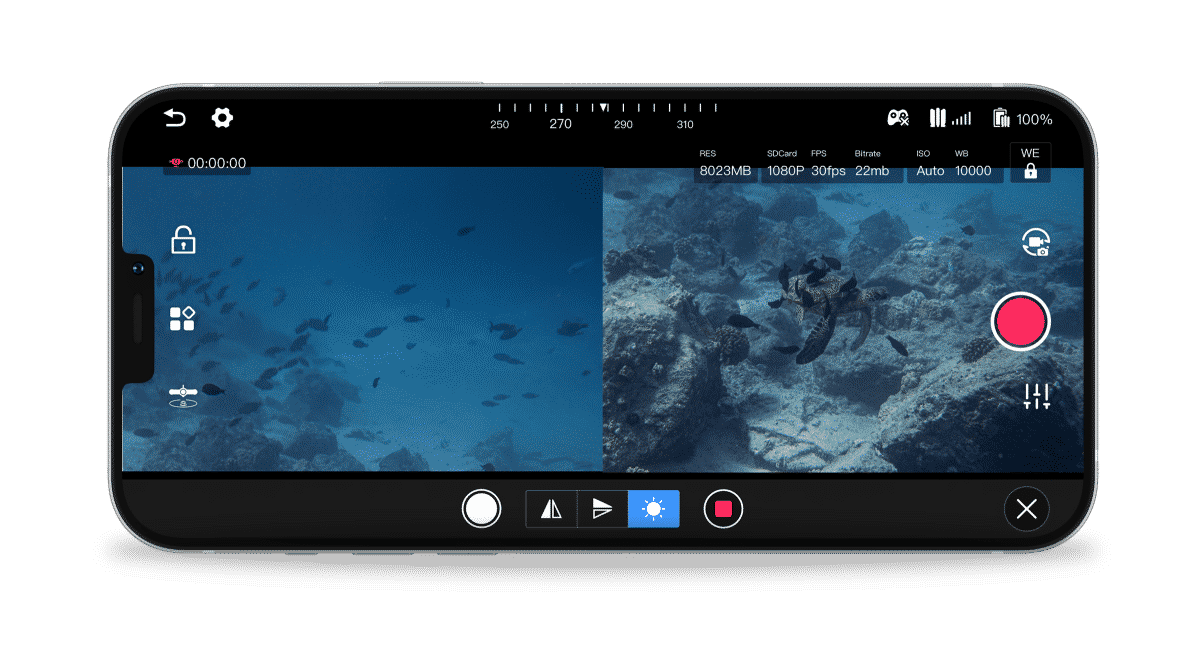
CHASING auxiliary camera can be adjusted to the angle between 0° and 90°, and can be fitted to the top or bottom of the ROV to achieve same-direction, reverse, and multi-angle visibility when paired with the ROV’s camera. This meets any shooting and observation needs.
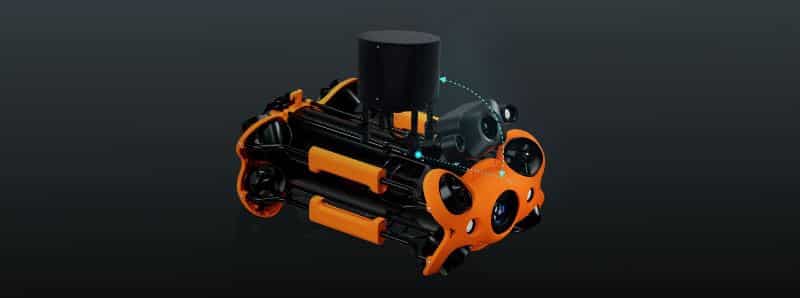
The camera adjusts anywhere from 0 to 90 degrees and can be fitted to the top or bottom of the ROV. That allows same-direction, reverse or mixed viewing angles alongside the main camera.
The camera is specially designed for the M2 PRO and must be used with the docking station. If you don’t have the dock yet, plan both purchases together. Add any lights or sonar you need to the same order to build a complete payload.
After saltwater dives, rinse the camera and its connector in fresh water and let them dry before storage. Check the lens for scratches or marine growth, and pack it so the lens is protected in transit.
Yes. It is designed for the CHASING M2 PRO ROV and must be used with the docking station, which provides the interface it needs to work on the vehicle.
Yes. Both cameras return images at the same time, giving you two angles to observe, take photos and capture video. That makes it easier to document an inspection in a single dive.
Add it to your cart and check out securely online. If you don’t already own the docking station, add one to the same order, as the camera connects to your M2 PRO through it.
Want two views on every dive? Add the Chasing auxiliary camera to your cart today, along with the accessories that suit your work.
Explore more Chasing M2 Series or browse the full Drones Direct range. Full specifications and support for the Chasing auxiliary camera are on the CHASING website.