Sale
Accessories & spares
Mobile Pixels DUEX Plus
Original price was: $399.00.$339.15Current price is: $339.15.
In stock
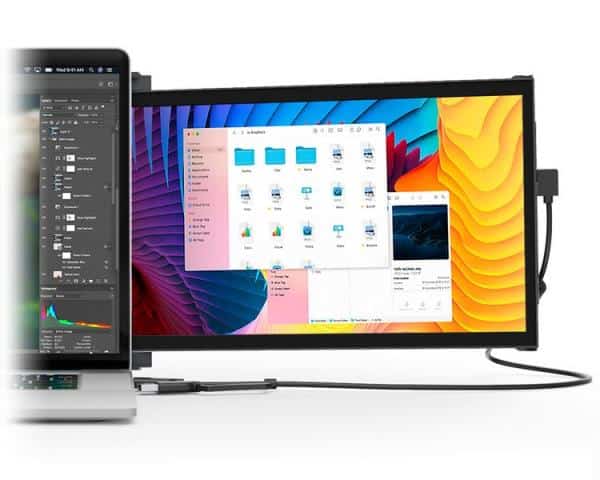
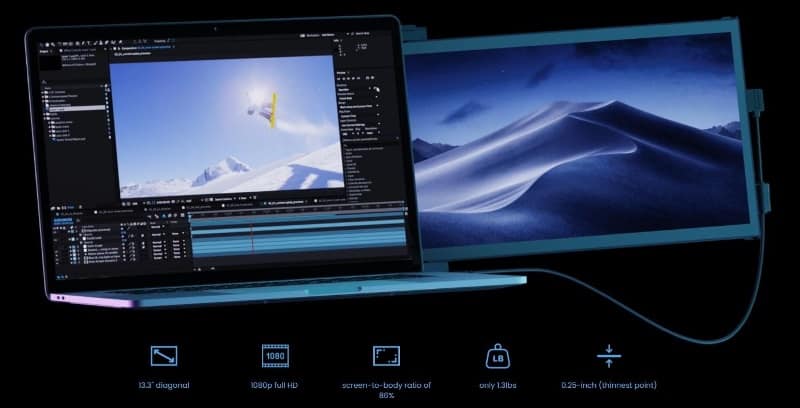
DUEX Plus offers a slightly larger display screen at 13.3” and is ideal for professionals and those who wish to multi-task with ease. Whether you’re presenting, gaming, teaching, or multitasking, DUEX Plus is a clean, simple to use, plug-and-play solution.
• 13.3″ Diagonal Screen
11.7”L x 6.5”W viewing area and a 16:9 aspect ratio
• Auto-Rotation Display
Featured with G-sensor for auto-rotation
• Lightweight & Portable
Made with durable PC-ABS plastic and robust aluminium alloy
• Multi-Device Compatibility
Any laptops, Nintendo Switch and Samsung DeX supported devices
• Hybrid-Signal Input
Quick connectivity with any laptop with a USB-C or USB-A port
- Free shipping over $1,000 Australia-wide. Orders usually ship within 1–2 days once confirmed.
- Secure checkout Encrypted payment
- Expert advice Help choosing the right gear
The Mobile Pixels DUEX Plus is a 13.3-inch portable monitor that attaches to your laptop and gives you a second screen wherever you work. It suits remote workers, drone pilots reviewing footage in the field, students and gamers. Order the Mobile Pixels DUEX Plus online here and double your workspace.
Why buy the Mobile Pixels DUEX Plus
A second screen changes how you work on a laptop. Keep your editing timeline on one display and previews on the other, or a spreadsheet beside your email. The Mobile Pixels DUEX Plus does this without a desk monitor, power brick or bulky stand.
Hybrid-signal input means it connects to laptops with either a USB-C or USB-A port. The sliding lid protects the display in transit, attaches magnetically to the back of your laptop and props the screen up in portrait mode.
Mobile Pixels DUEX Plus
Plug and Play, Your Portable Display
# Refer to videos to see in motion
Plug in, Power on.
HYBRID SIGNALS
With DisplayPort enabled USB-C port, DUEX Plus allows ultra-fast video transmission and plug-n-play experience packed into a single cable.
For Ergonomic Comfort and Various Scenarios.
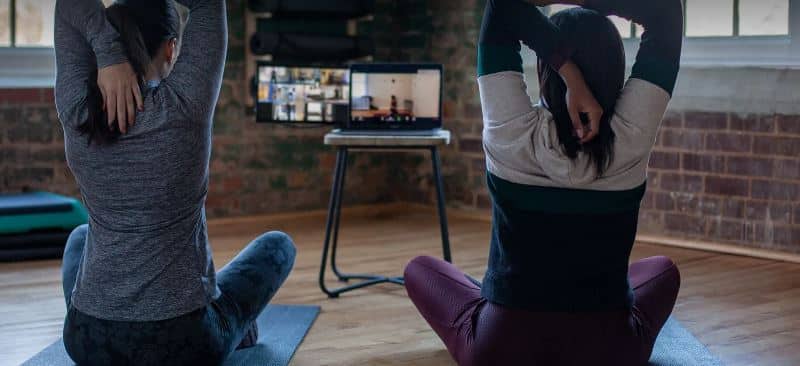
You’ll find how versatile the sliding lid is to satisfy multiple purposes. As a protective cover when the monitor is not in use, a mount that magnetically attaches to the back of laptop, also a prop stand in portrait mode. Allows from horizontal contents to vertical usage, basically four display modes.
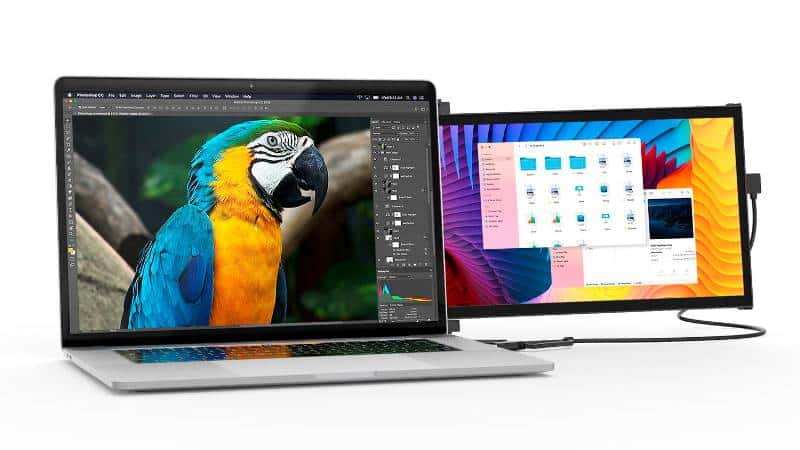
Landscape mode
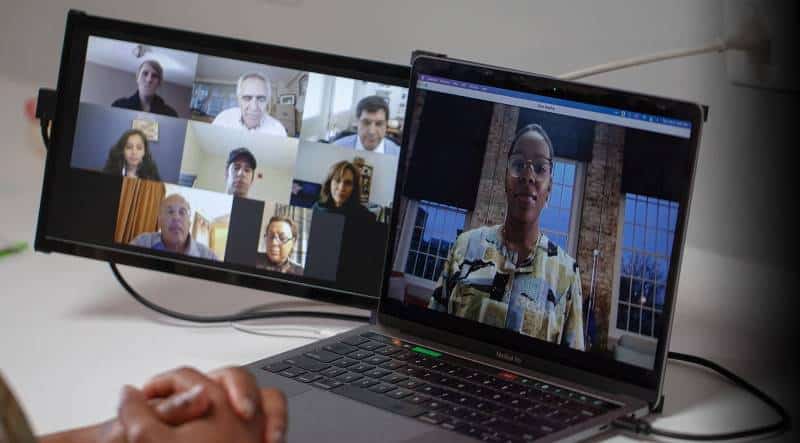
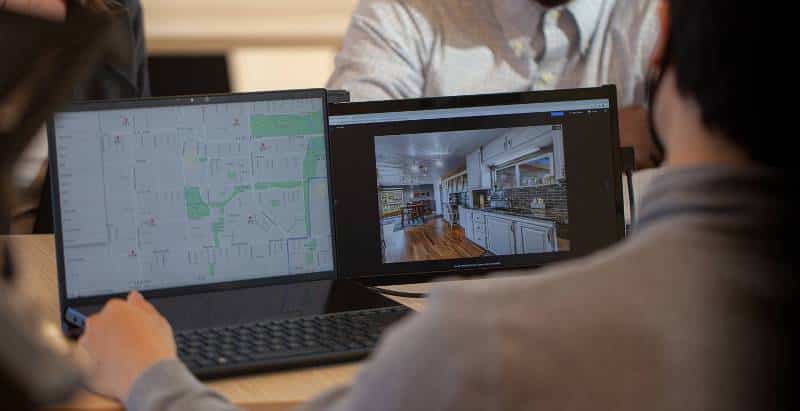
For workspace spanning, dragging windows from one screen to another.
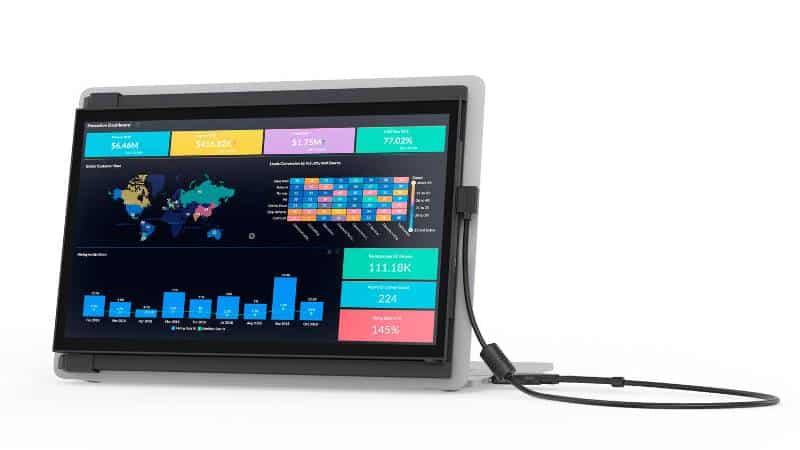
Presentation mode
Duplicate your desktop for easier sharing.
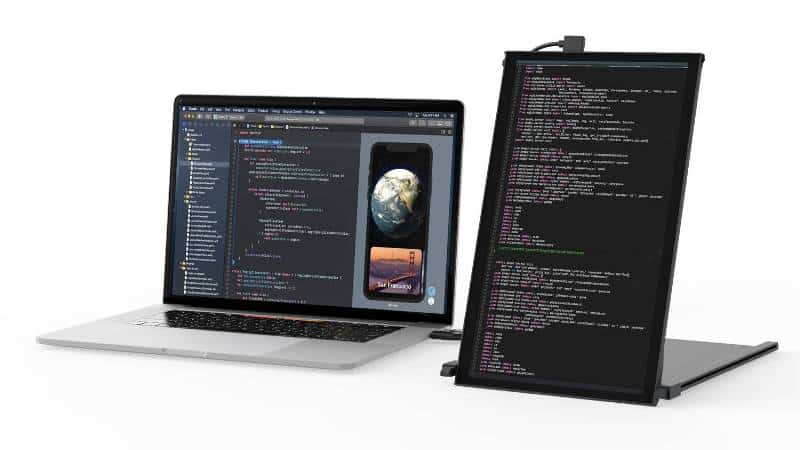
Portrait mode
For webpage navigation, scrolling on vertically oriented applications.
Easy to Carry Wherever You Go.
LIGHTWEIGHT & THIN
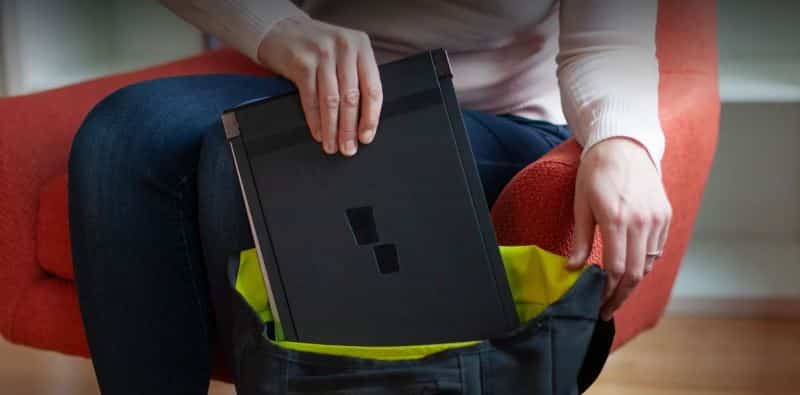
Add Negligible Weight and Thickness to Your Laptop.
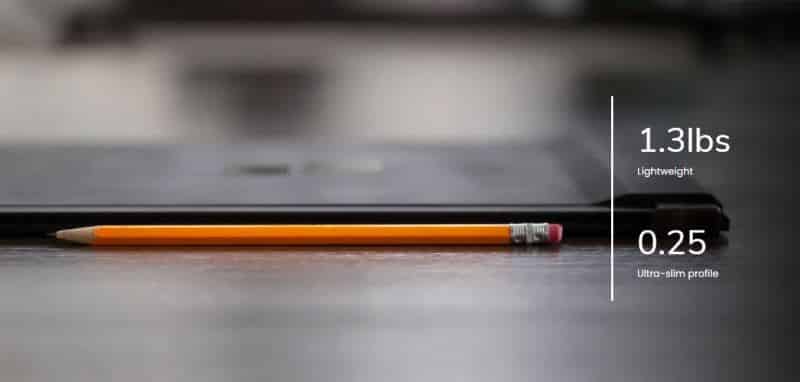
Offer a sleek way to carry a portable monitor around with this DUEX Plus, which is 30% lighter and nearly 50% slimmer than the previous generation. Sophisticated design and adhesive mechanism make it easy to toss it into any bag together with your device without weighing you down.
Work and Play, Where You Like.
WIDE COMPATIBILITY
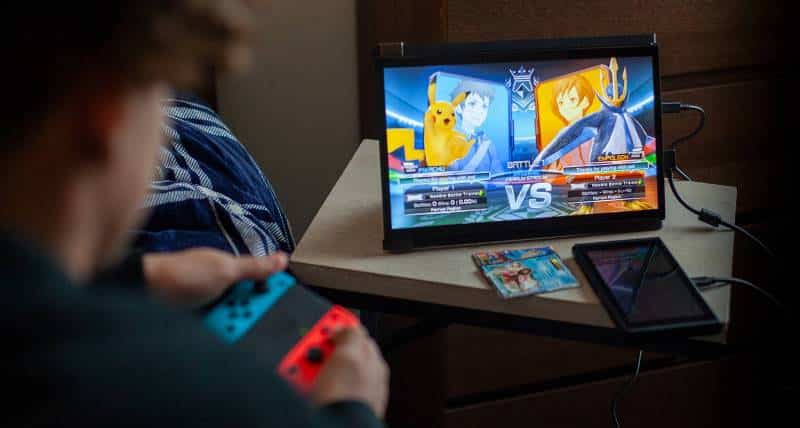
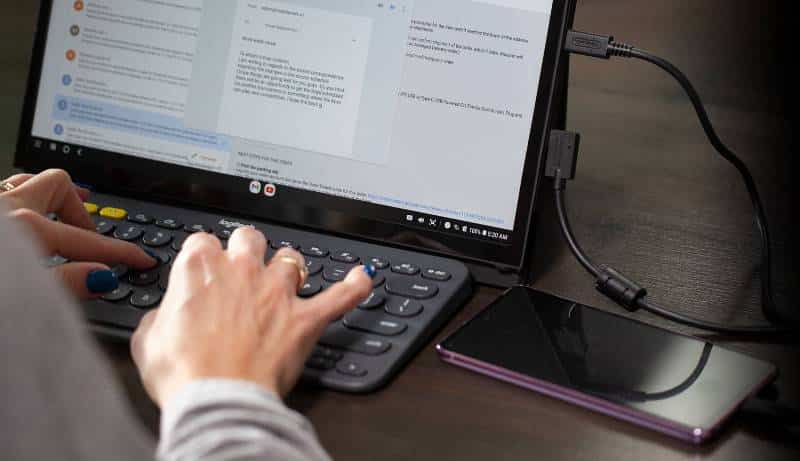
We’ve extended the compatible devices list to bring more versatility. DUEX Plus allows to display as an external secondary display for your laptops, PCs and selected Android phones for work purpose, as well as a gaming monitor for Nintendo Switch.
Ensure Optimal Eye Comfort.
EYE-CARE MODE
Turn Eyecare Mode ON for optimal colour temperature and brightness to effectively reduces the amount of potentially harmful blue light emitted by the display. When you are reading, word processing or in a low-light environment, it can help you to get rid of eyes fatigue and keep your eyes feeling comfortable.
Left or Right, Always by Your Side.
AUTO-ROTATION
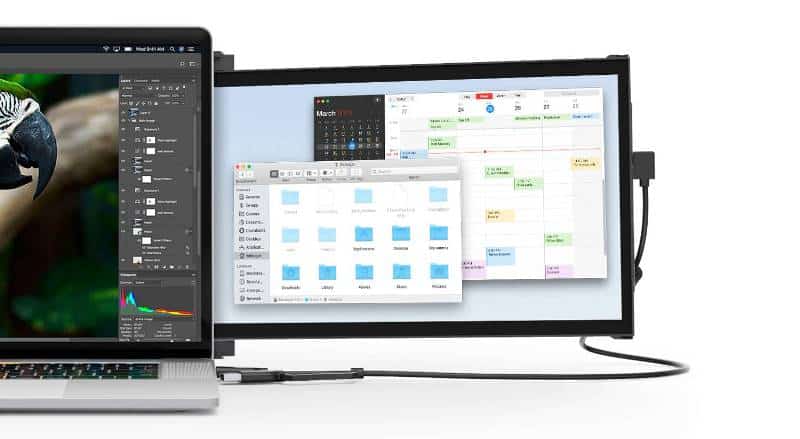
Would like to seamlessly switch between the left-side setup and the right-side setup? The DUEX Plus lets you do just that, with flexible mounting system and auto-orientation sensor. Automatically sense its orientation and switch the monitor upside down for your free to attach it as neither a left-side or right-side extended screen.
# Refer to videos to see in motion
Keep Playing & Charging at the Same Time.
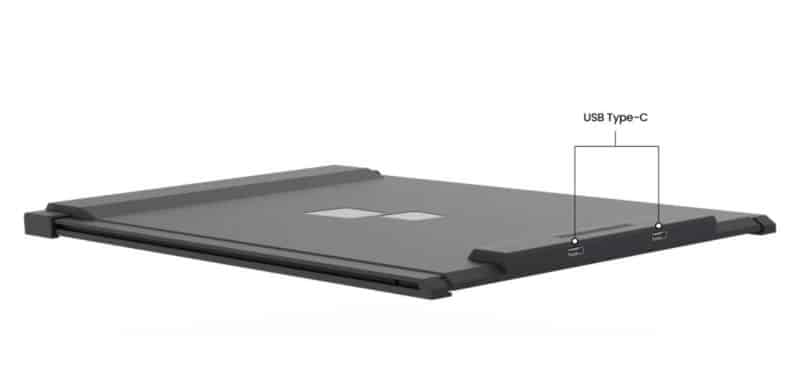
DUEX Plus features two full-functional USB-C ports, which can support power delivery and video transmission at the same time. Simply plug into the USB-C port over a single cable to display content from your devices. Thanks to the second USB-C port, it helps getting ready to connect Samsung DeX devices and Nintendo Switch and bring it to life on bigger screen anytime and anywhere.
View the full range of Mobile Pixels Products Now Available HERE
Need additional support, Contact Mobile Pixels HERE
Ways to use the Mobile Pixels DUEX Plus
Auto-rotation uses a built-in G-sensor, so you can mount the Mobile Pixels DUEX Plus on the left or right of your laptop and the picture always flips the right way up.
- Landscape mode for spreading windows across two screens
- Presentation mode to mirror your display for a client sitting opposite
- Portrait mode for long documents, code and web pages
- A bigger screen for Nintendo Switch or Samsung DeX devices
Travel and comfort features
This version of the Mobile Pixels DUEX Plus is about 30% lighter and nearly 50% slimmer than the previous generation, so it slips into a laptop bag without much extra bulk. Eye-care mode adjusts colour temperature and brightness to reduce blue light during long editing sessions.
Frequently asked questions
Will the Mobile Pixels DUEX Plus work with my laptop?
It’s designed for laptops with a USB-C or USB-A port, thanks to its hybrid-signal input. Mounting and display support can vary between laptop models, so ask our team on live chat if you’d like to check yours first.
Can I use the Mobile Pixels DUEX Plus with a Nintendo Switch?
Yes. It supports Nintendo Switch and Samsung DeX devices, using its second USB-C port, so you can bring games or a phone desktop onto a bigger screen at home or on the road.
How big is the Mobile Pixels DUEX Plus screen?
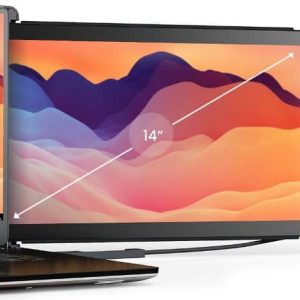
It has a 13.3-inch diagonal display with an 11.7 by 6.5 inch viewing area and a 16:9 aspect ratio. That’s large enough for comfortable side-by-side work while still packing flat in a laptop bag.
Pairs well with the Mobile Pixels DUEX Plus
Work bigger wherever you go. Add the Mobile Pixels DUEX Plus to your cart today, or chat with our team if you’d like to check compatibility first.
Browse the full Drones Direct range. Full specifications and support for the Mobile Pixels DUEX Plus are on the Mobile Pixels website.
More like this
Related gear
Accessories
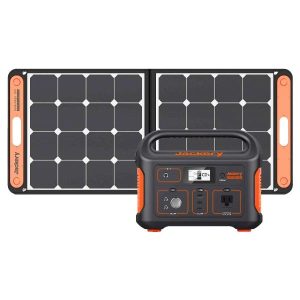
Jackery Explorer 500 Bundle
Original price was: $1,398.00.$1,188.30Current price is: $1,188.30.
Add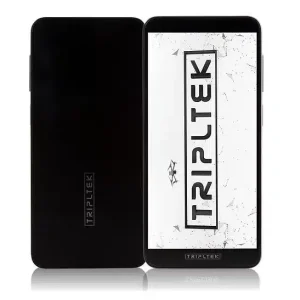
Accessories
Tripltek Mini Smartphone
Original price was: $1,349.00.$499.00Current price is: $499.00.
Add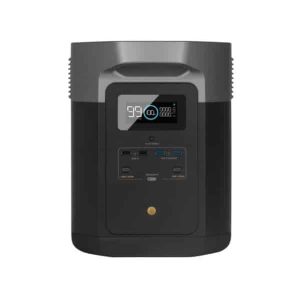
Accessories
EcoFlow Delta Max 1600
Original price was: $2,799.00.$2,379.15Current price is: $2,379.15.
Add